Your data, your control. Learn how to delete your account or request data removal.
In accordance with Google Play's Data Safety requirements and the Australian Privacy Principles (APP), Repnotes provides clear options for users to delete their accounts and associated data.
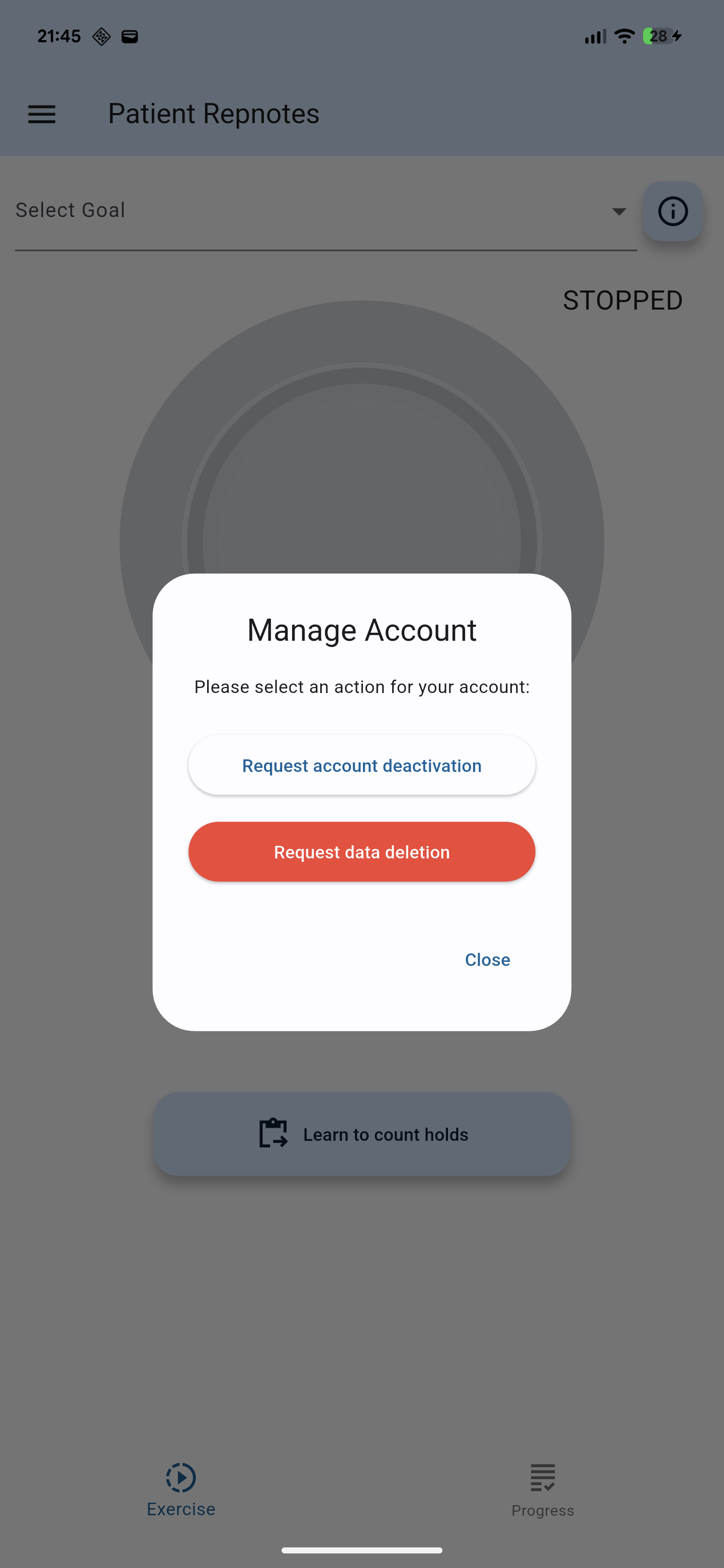
Patients can request to have their account and data removed directly within the Repnotes app.
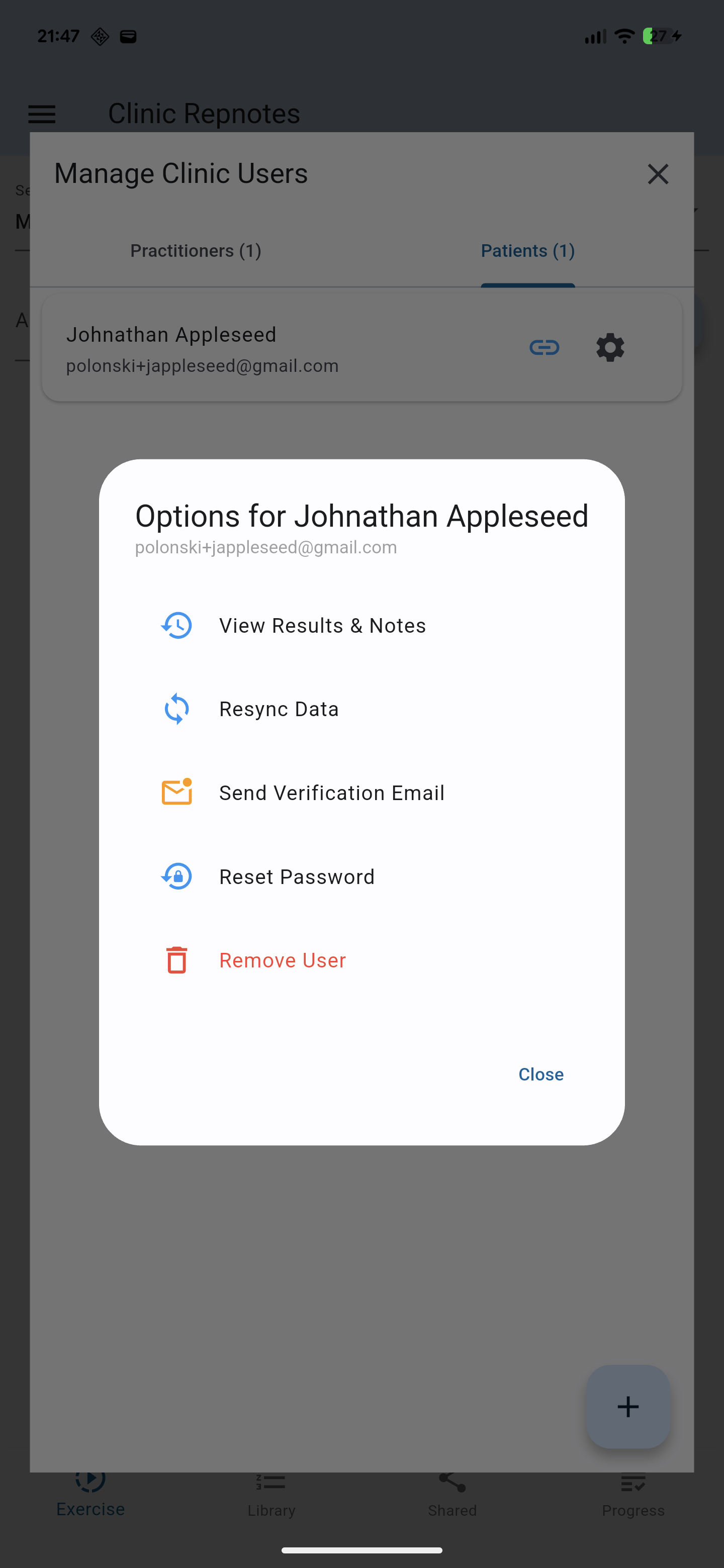
Clinic administrators can securely delete patient profiles or practitioner accounts assigned to their clinic.
If you no longer have access to the app, you can request account and data deletion by contacting our Privacy Officer directly. Please email us from the email address associated with your account.
When you delete your Repnotes account, your Firebase Authentication profile and Firestore user data will be permanently and securely deleted from our systems.
Note for Medical Records: NDIS guidelines mandate retaining adult clinical records for 7 years (and until age 25 for minors). Repnotes acts as a data conduit. Your Practice Management System (e.g., Cliniko or Nookal) serves as the permanent Electronic Health Record (EHR). Notes that have already been synced to your clinic's PMS will remain there to ensure legal compliance, even after your Repnotes account is deleted.